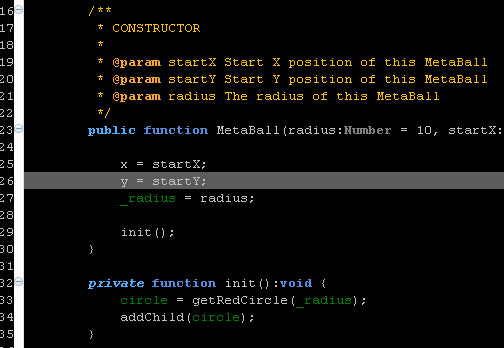
I’m trying to figure out a nice way to apply a color theme to Eclipse. So far no luck, but I have found the places where to edit color settings.
First got to Window > Preferences, then change the color settings in the following locations:
- General > Editors > Text Editors
- General >Appearance > Color and Fonts
- FDT > Editor > Colors
- FDT > Editor > Semantic Highlight
Some ideas to explore:
http://drnicwilliams.com/2006/08/08/textmate-theme-for-radrails/ (Modify the *.epf file to include FDT settings? Create a nice color scheme and export settings using File > Export > General > Preferences)
http://www.willianmitsuda.com/eclipse-plugins/eclipse-skins/ (Skin plug-in, see how to get this to work with FDT)
Update: Exported preferences, now trying to figure out how to strip all non color scheme related information.
Update 2: Found a doable way to create a color scheme for FDT, read the howto.